Principais vídeos

Filmare rapida cu drona din zona aeroportului - permisiune de zbor 90 s - aterizare fortata obligatorie.
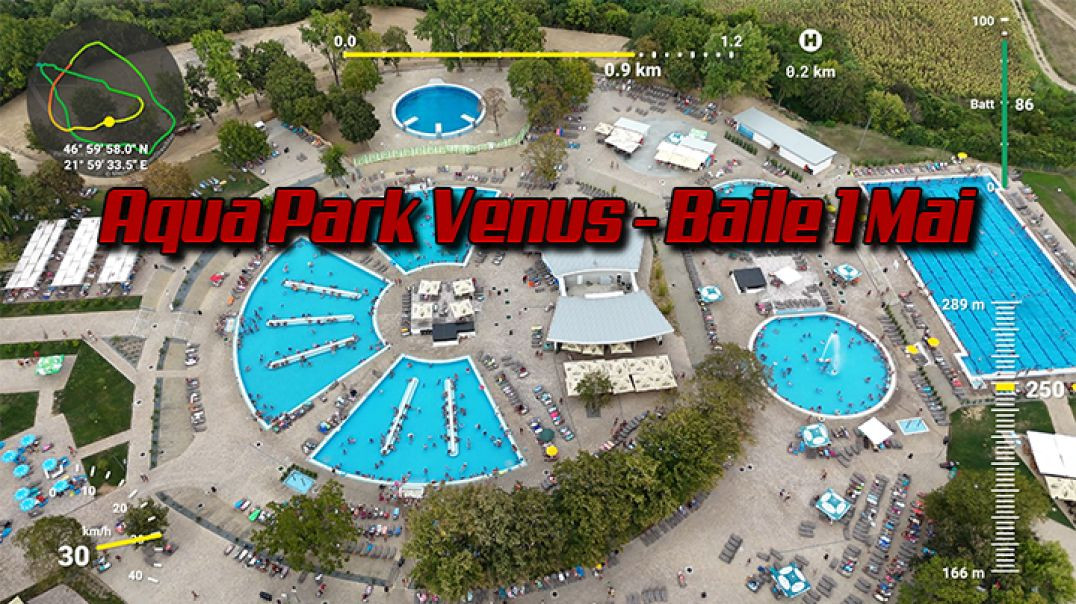
Aerial View Of Aqua Park Venus - Baile 1 Mai

Cabana Ancuta - Echipa Zurli - Chef septembrie 2023
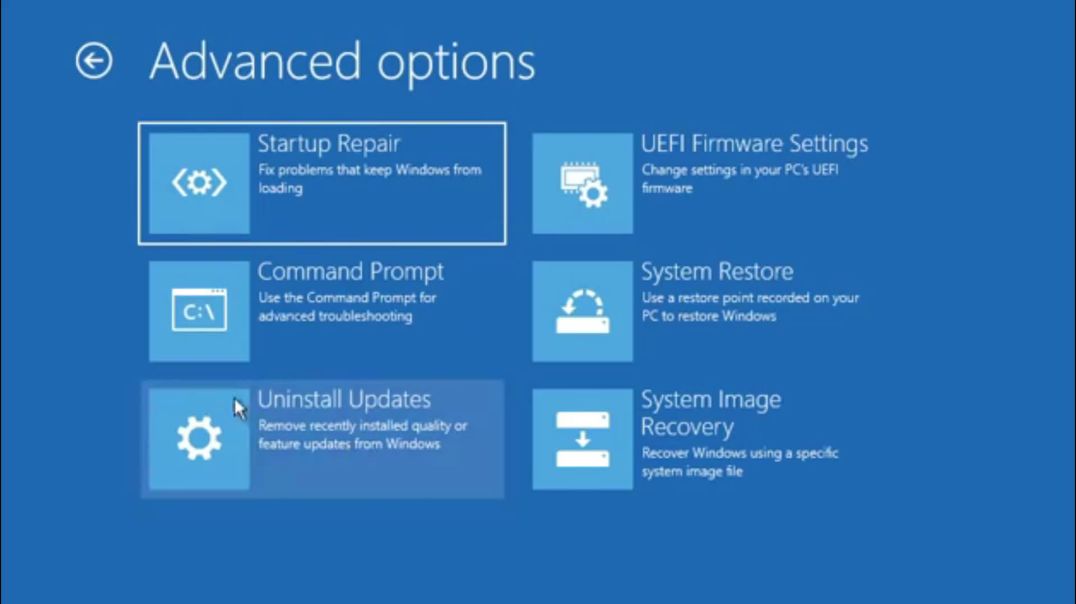
bootrec /fixboot command acces denied - windows won't boot - start in troubleshoot mode
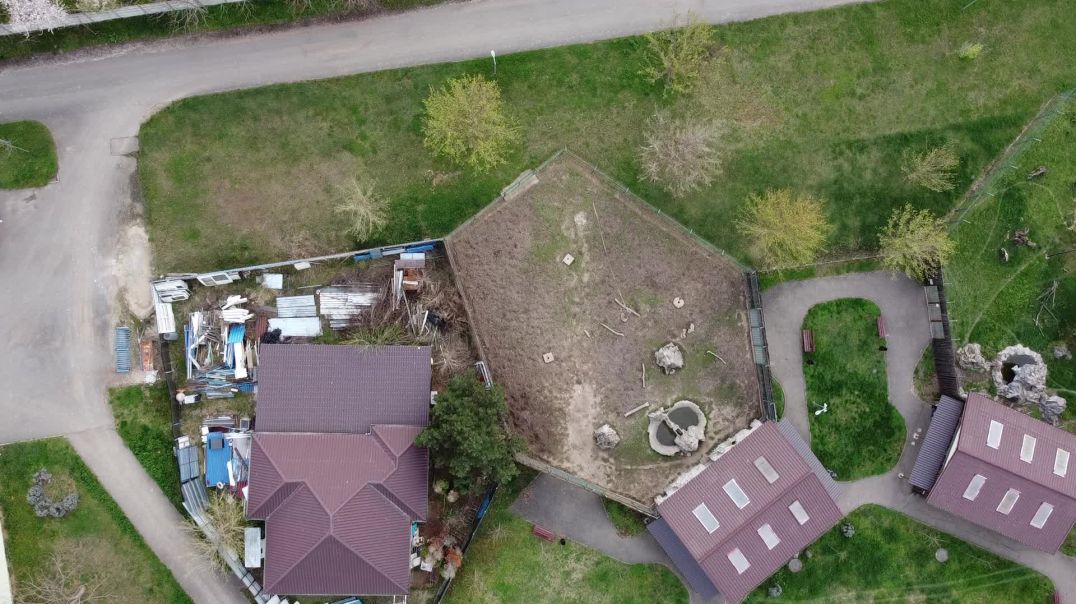
Gradina Zoologica - Oradea - vazuta din drona - DJI Mavic Mini
DanyChrys Romeo Sandu Bogdan
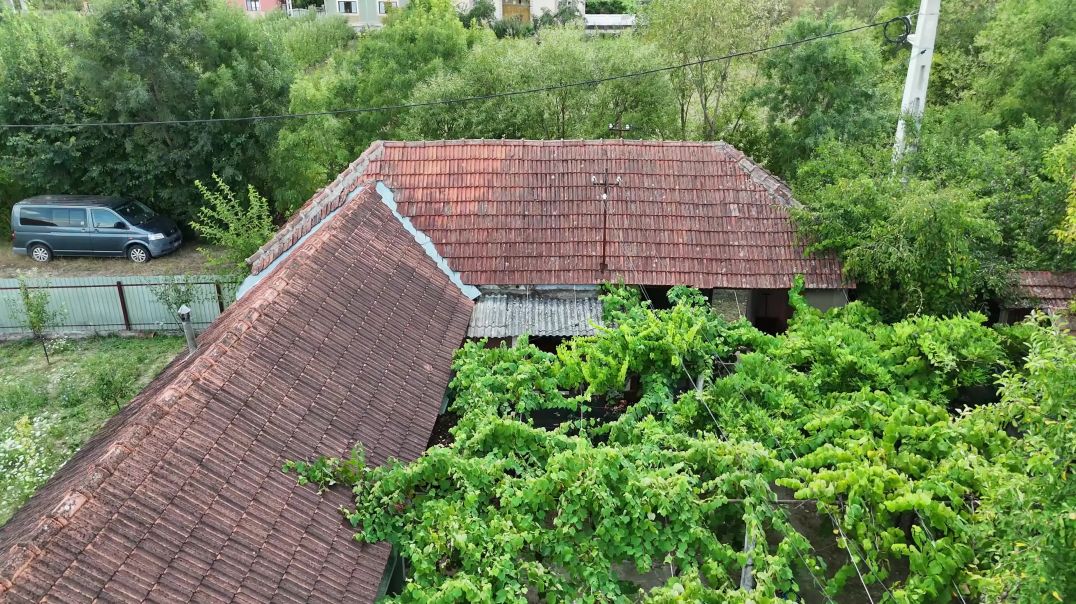
Capalna - 2024 - Crisul negru

Filmare din 21.10.2023 - Cihei - Str. Stelelor - Romocea Romeo
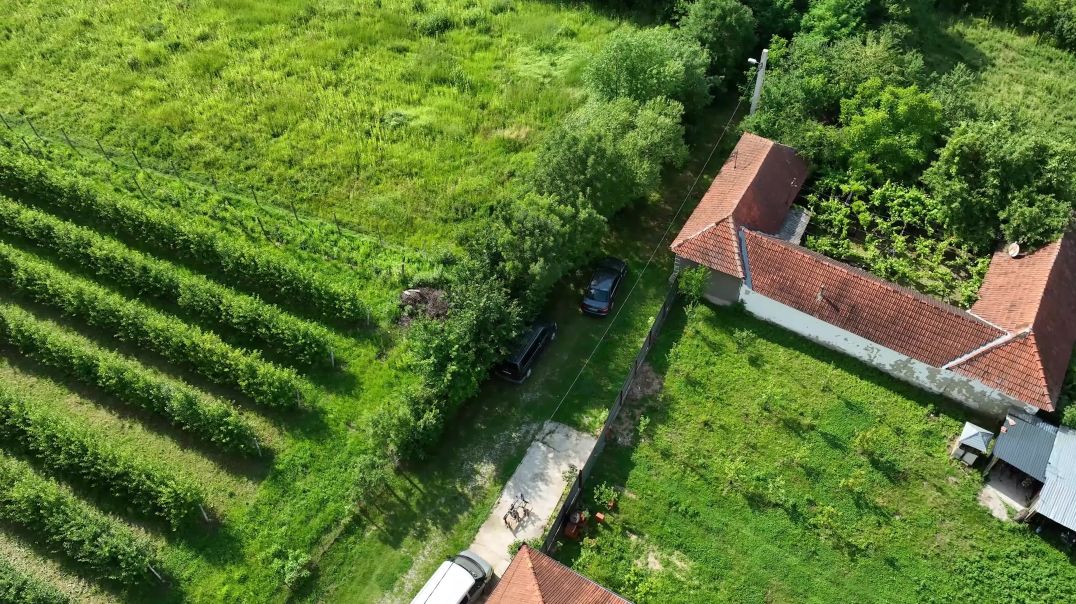
Capalna aerial video
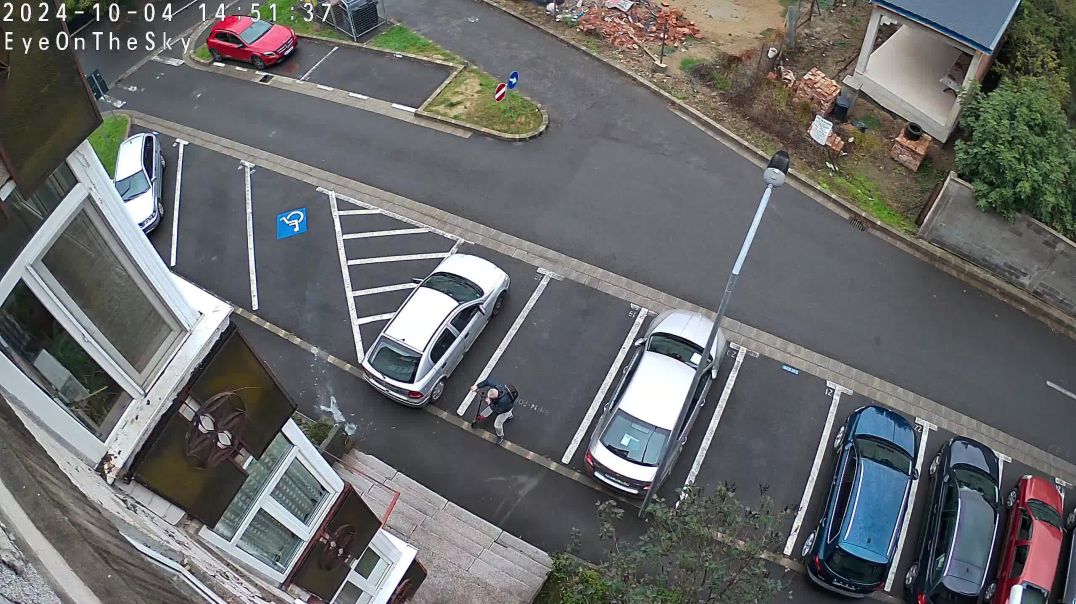
Supraveghere video - test camere

RomSoft Diagnoza - Romocea Service
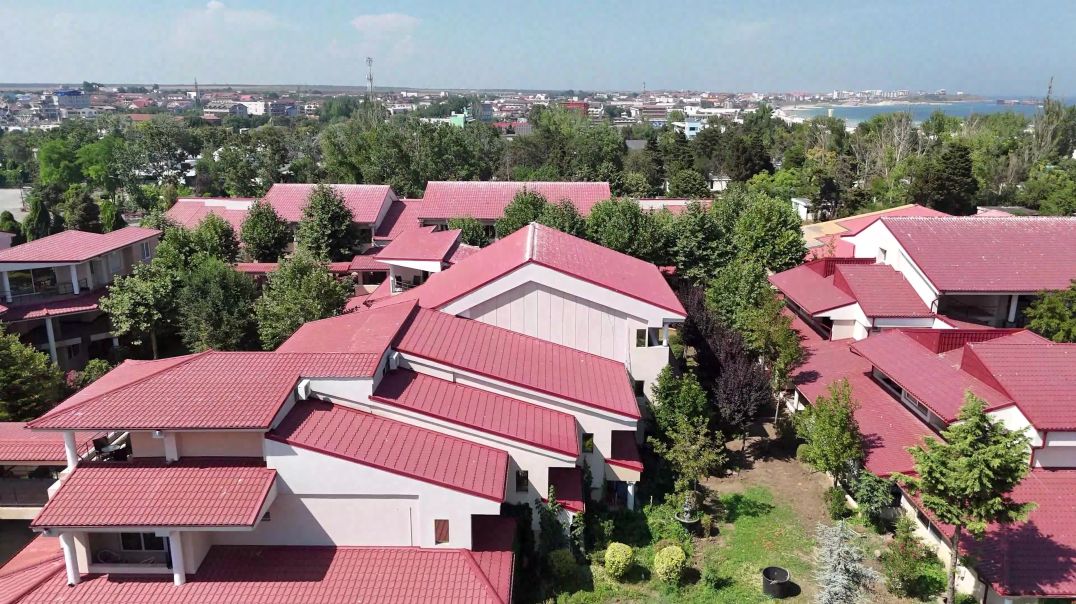
Costinesti 2024

1. You must have installed certbot if not install with this command: apt-get install python3-certbot-apache -y
2. Generate your real ssl certificate with certbot let's encrypt with this command: certbot --apache -d filerun.example.com
3. Note: you must run this command with port 80 open
4. Copy this files from let's encrypt folder: /etc/letsencrypt/live/your.domain.name
5. Rename this files: fullchain.pem rename to nume domeniu.cert and privkey.pem rename to nume domeniu.key
6. Put this files on cockpit certicates folder: /etc/cockpit/ws-certs.d
7. chown cockpit-ws:cockpit-ws <nume domeniu.cert> <nume domeniu.key>
8. systemctl restart cockpit
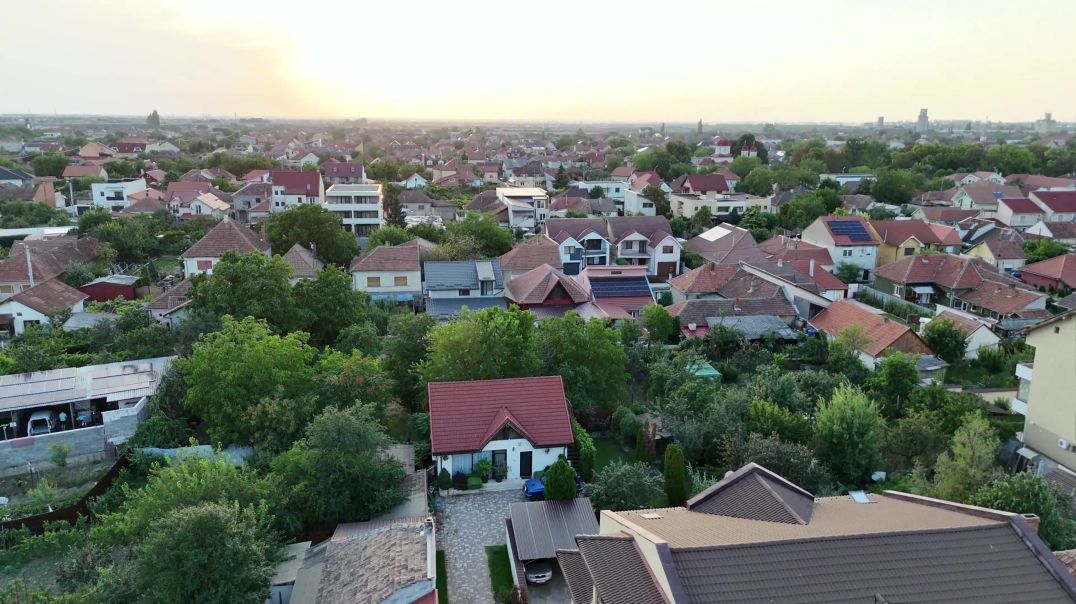
take it from 100 m altitude and 2km distance from home point ...
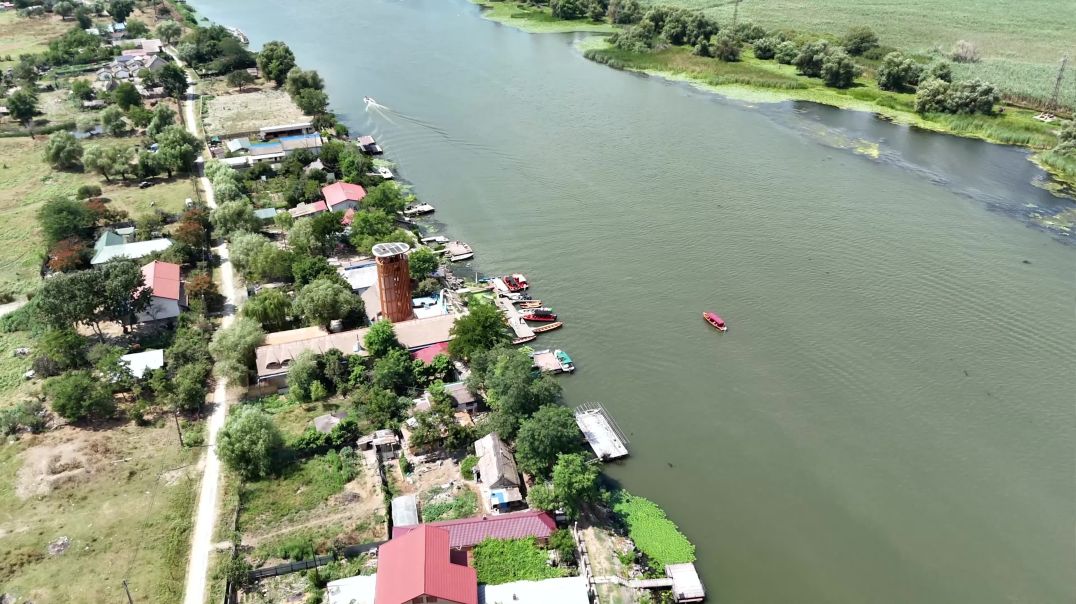
Mila 23

How to share files from ubuntu server to windows - samba instalation and configuration
ATENTIE - pentru a crea directoare de la diversi useri din windows cu drepturi de scriere - read write - full rights trebuie sa faceti aceste setari👍in fisierul de configurare smb.conf
# My shared drive
[RAID1]
path = /mnt/RAID1
valid users = syncuser
readonly = no
guest ok = no
browsable = yes
writable = yes
create mask = 777
force create mode = 777
security mask = 777
force security mode = 777
directory mask = 777
# I set the SGID flag here as I thought this is what you wanted
# You could change to 0775
directory mask = 2777
force directory mode = 2777
directory security mask = 2777
force directory security mode = 2777
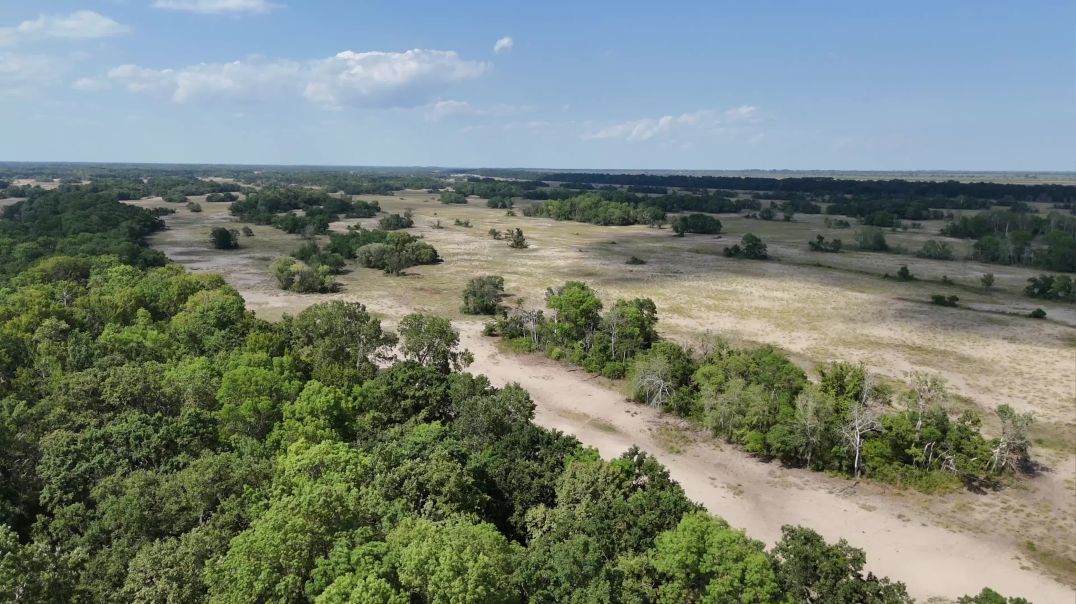
Padure Letea
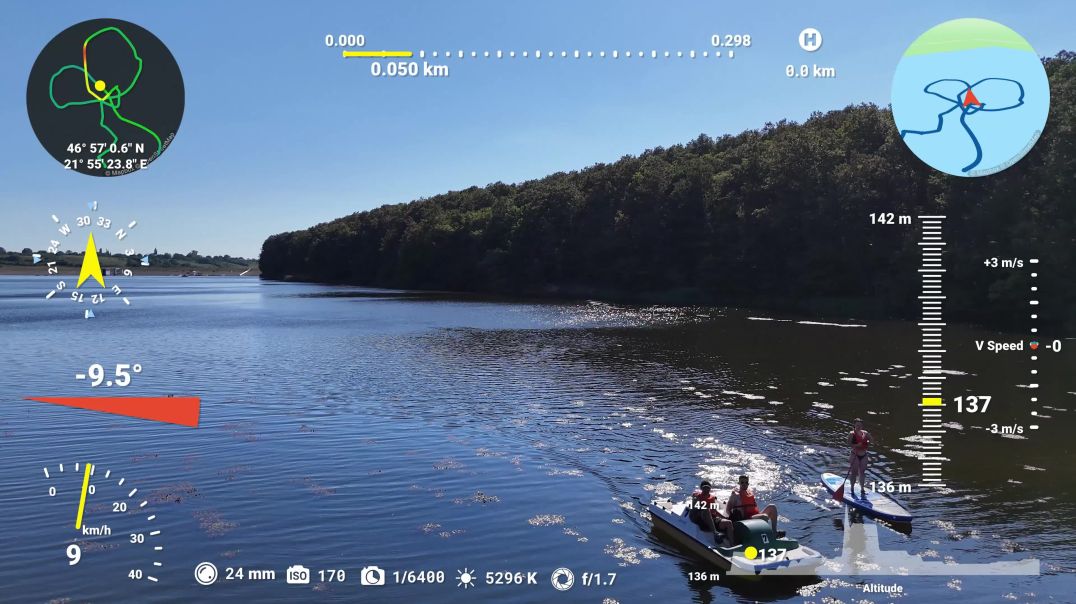
_Stand Up Paddle - Antonia - Lac Les

Oradea - Arena Sportiva

How To Install Geoserver On Ubuntu Server 22.04.3 an run automatically.
---------------------------------------------------------
INSTALL GEOSERVER
---------------------------------------------------------
sudo su
apt install openjdk-11-jdk
cd /usr/share/
mkdir geoserver
cd geoserver
wget https://sourceforge.net/projec....ts/geoserver/files/G
ls
unzip geoserver-2.23.2-bin.zip
rm -rf geoserver-2.23.2-bin.zip
cd bin
ls
./startup.sh
ifconfig
--------------------------------------------------------
RUN GEOSERVER AUTOMATICALLY
--------------------------------------------------------
chmod +x /etc/init.d/geoserver
update-rc.d geoserver defaults
reboot
user:admin
pass:geoserver